
Every level of a payment. One platform.
Most ISOs stitch together a back office, a gateway portal, a merchant dashboard and a checkout from different vendors. Here each level has its own product, and all of them share one engine, one ledger and one set of rules.
Sovara Hub™
Your book, boarding, underwriting, residuals, fees and margins, and setup help for every merchant you bring.
Sovara One™
Payments, refunds, checkout, carts and orders, subscriptions, invoicing, accounting sync, Tap to Pay, terminals and POS.
Sovara Pay™
Checkout pages, payment links, invoices and receipts that name the merchant as the seller. No card fees online.

One engine, one ledger and one set of rules: the API, signed webhooks, the sandbox and safe AI access.
Your book, from one screen.
Board merchants and sub-ISOs, run underwriting, and track volume, fees, residuals and margins across your whole tree. Money figures are estimates until the processor's statements confirm them.
- Your pipeline, from application to first payment.
- Your residual, with the math showing.
- Each sub-ISO in its own account under you.
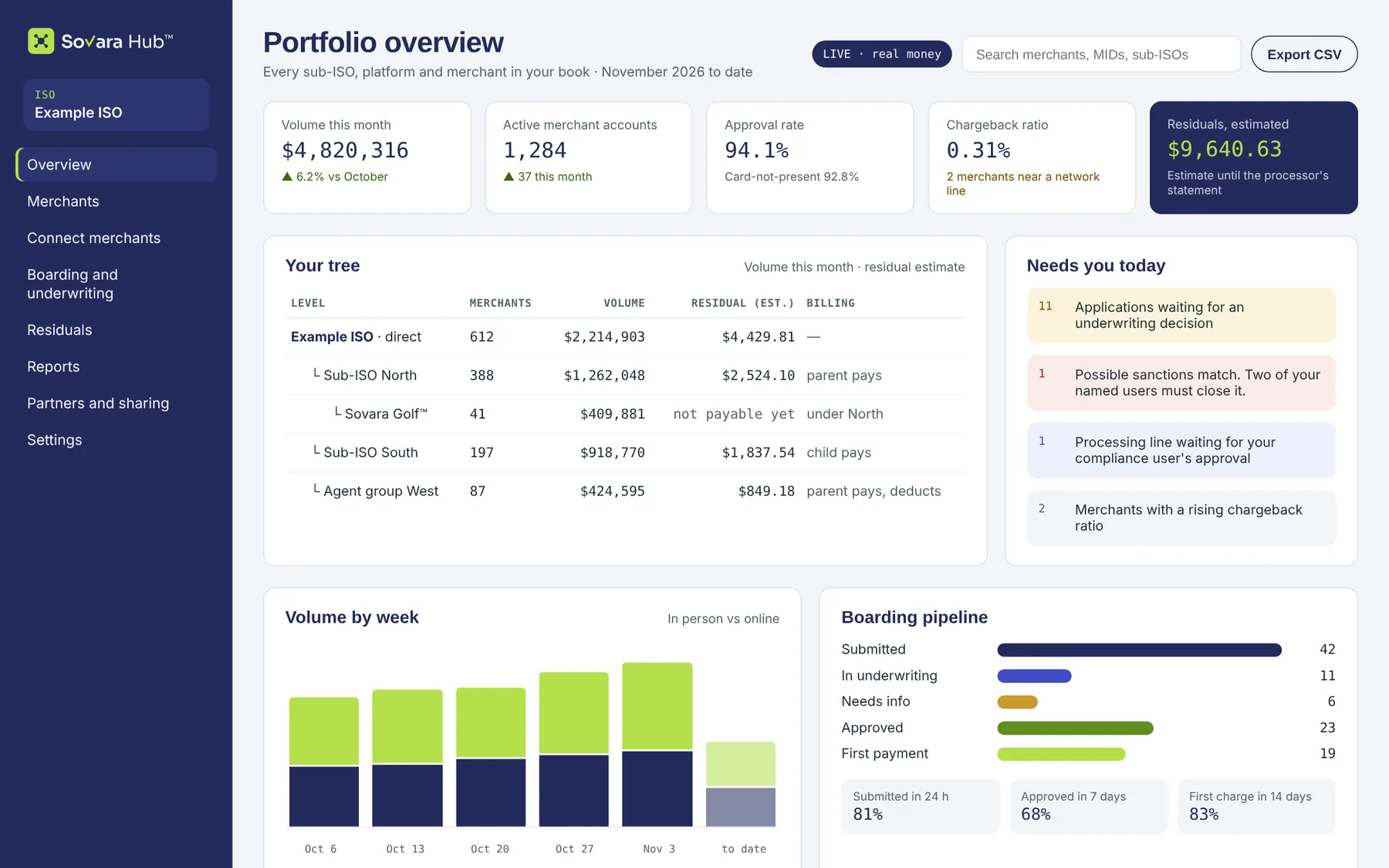
Example data
Give every merchant a full payments account.
Each merchant you board runs its business in its own Sovara One™ account: payments and refunds, customers, checkout and payment links, carts and orders, subscriptions, invoicing and accounting sync.
- Refunds with an undo window, and every fee itemized.
- Its own keys and webhooks if it runs its own website or app.
- Your brand on it with the brand upgrade, "powered by Sovara Core™."
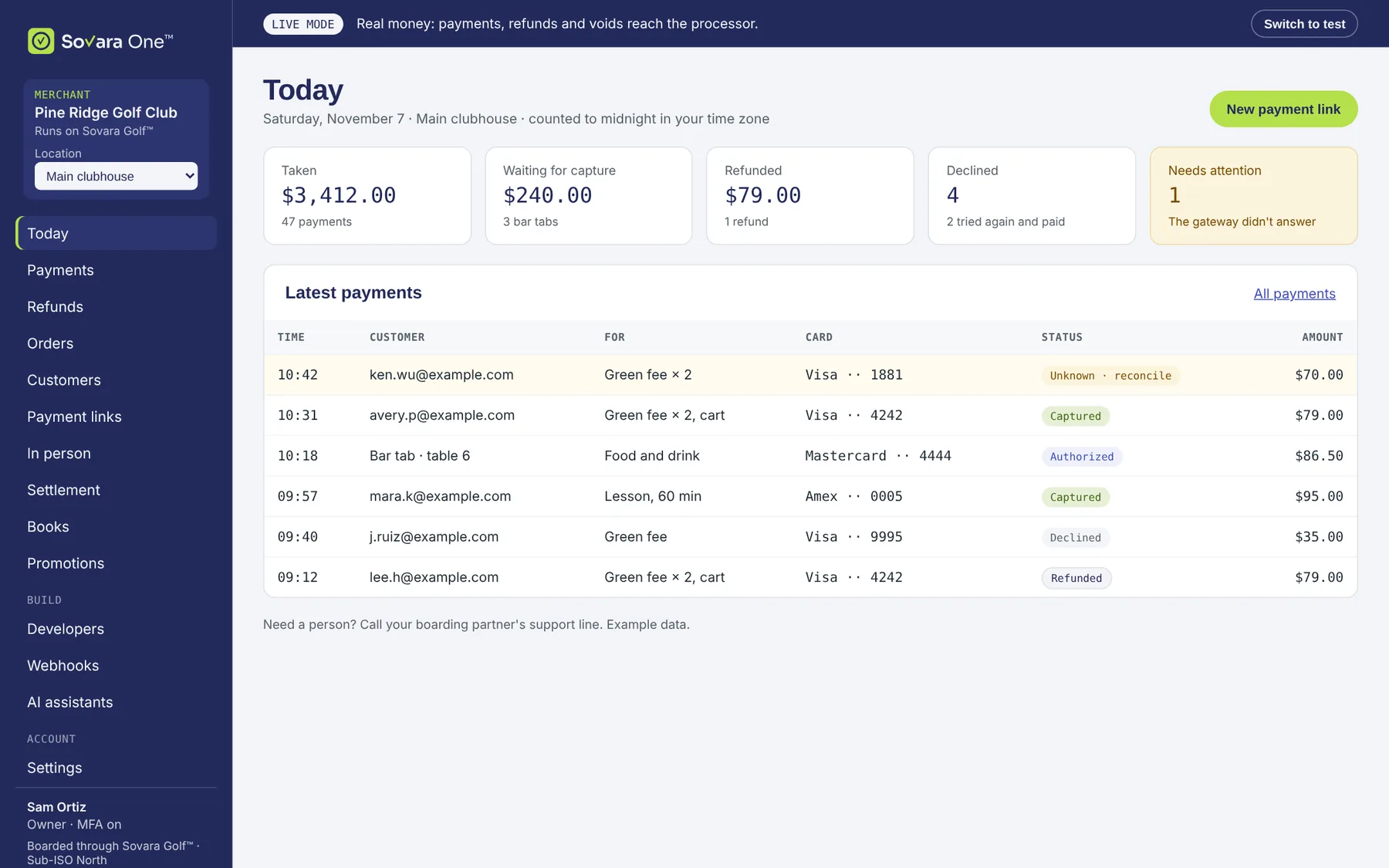
Example data
Online, in the app and at the counter.
Tap to Pay on a phone, then certified terminals, then Sovara Counter™, a white-label POS app on hardware you can buy anywhere. You can pair terminals and set up Tap to Pay for a merchant with the setup access it grants.
- Tap to Pay Expanded pilot
- Certified terminals Full launch
- Sovara Counter™ After launch
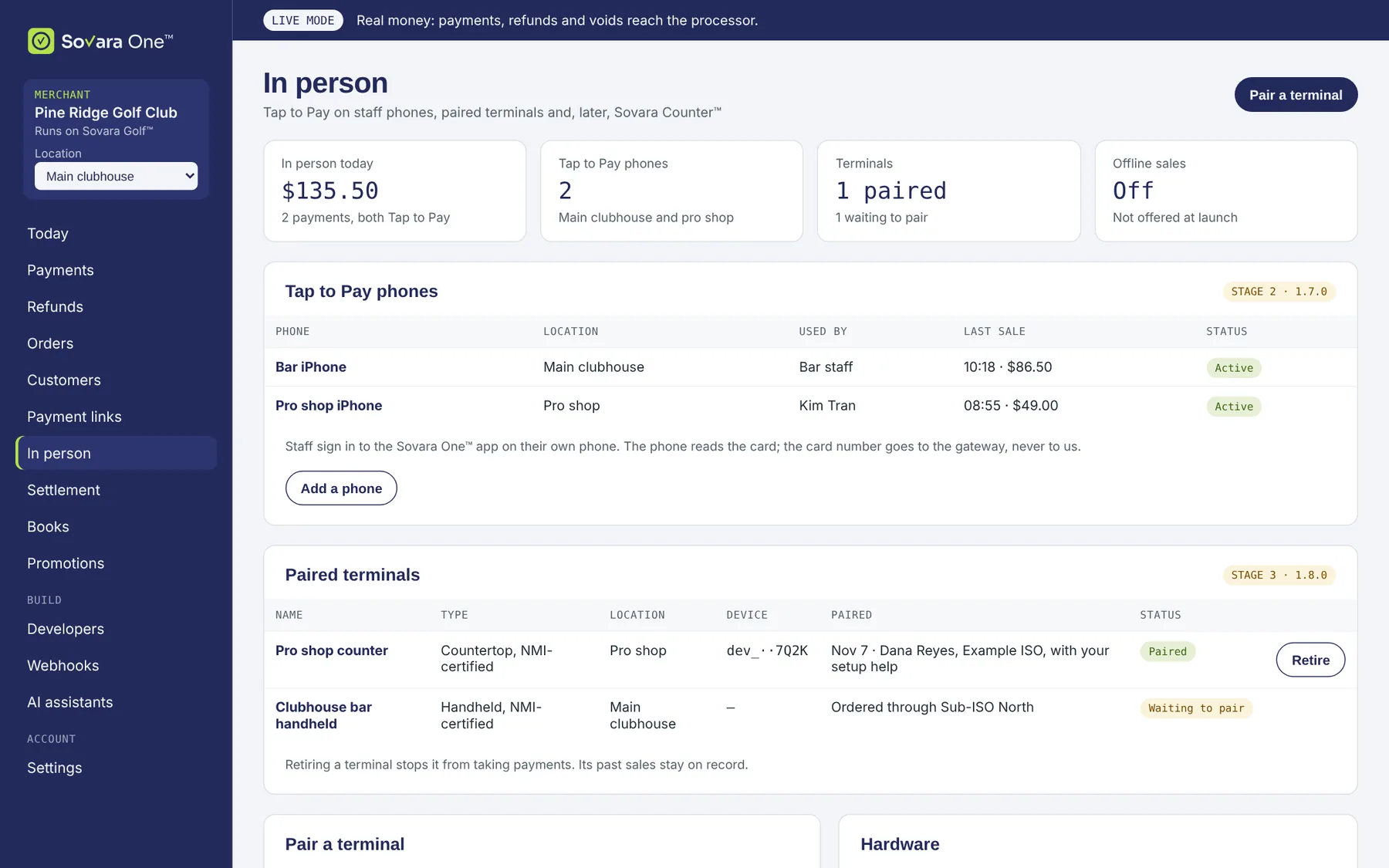
Example data
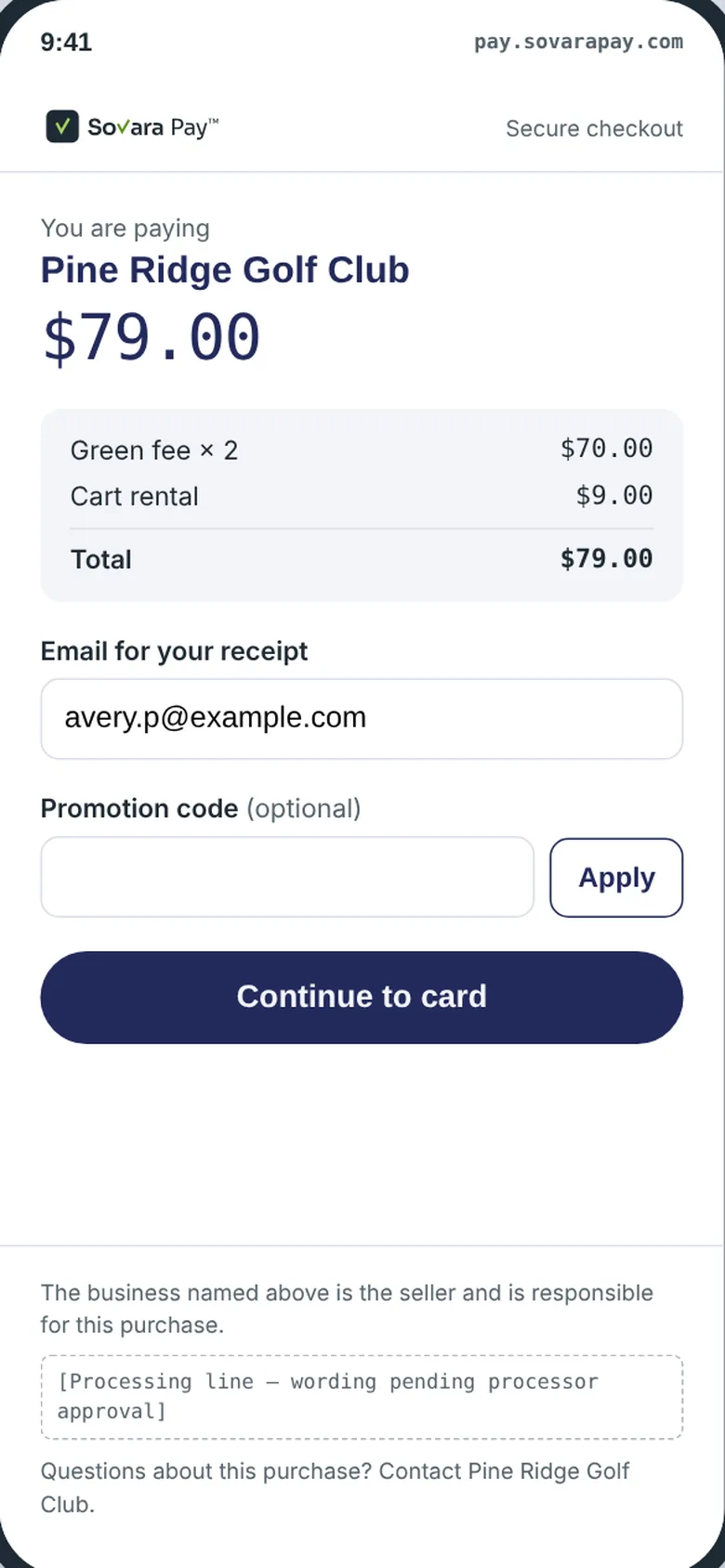
A checkout that names the merchant.
Buyers pay on Sovara Pay™ checkout pages, payment links, invoices and in person. The merchant is always named as the seller, receipts carry the approved processing line, and no card fee is added online.
- Cards, Apple Pay and Google Pay.
- Hosted, embedded or branded to the merchant.
- Card data goes straight to the gateway.
 The engine
One sale, seen at every level.
Because all three products run on Sovara Core™, a single payment moves through one ledger. Nobody re-keys it, and nobody waits for a file.
Buyer
Pays on Sovara Pay™ checkout, a payment link, Tap to Pay or a terminal. The merchant is named as the seller.
Merchant
Sees the sale in Sovara One™ right away, with its fees, and can refund it from the same screen.
You
See the volume, the fees and your residual estimate in Sovara Hub™, under the sub-ISO that boarded the merchant.
Processor
Deposits go from the processor straight to the merchant's own bank. No Sovara company holds the money.